FlightWall - Widescreen Flight Tracking LED Display

FlightWall - Widescreen Flight Tracking LED Display

A Live Display of the Aircraft Around You
★★★★★
4.52
(33 Reviews)
VERIFIED BUYERS
Skip to product information
1 of 3

FlightWall - Widescreen Flight Tracking LED Display

FlightWall - Widescreen Flight Tracking LED Display

A Live Display of the Aircraft Around You
★★★★★
4.52
(33 Reviews)
VERIFIED BUYERS
Regular price $499.00
Regular price Sale price $499.00
Sale Sold out
FREE SHIPPING
NO SUBSCRIPTION REQUIRED
10-day money-back guarantee
Shop safely

Secure your shopping experience with various safe and trusted payment methods.

  • American Express
  • Apple Pay
  • Bancontact
  • Diners Club
  • Discover
  • Google Pay
  • iDEAL Wero
  • Mastercard
  • PayPal
  • Shop Pay
  • Visa

Backorder:
New stock arriving within a week, will ship out as soon as it arrives.
Then shipping in 2–5 business days.

View full details
FlightWall - Widescreen Flight Tracking LED Display
FlightWall - Widescreen Flight Tracking LED Display $499.00

Unboxing & overview

Real-time flight tracking.
On your wall.

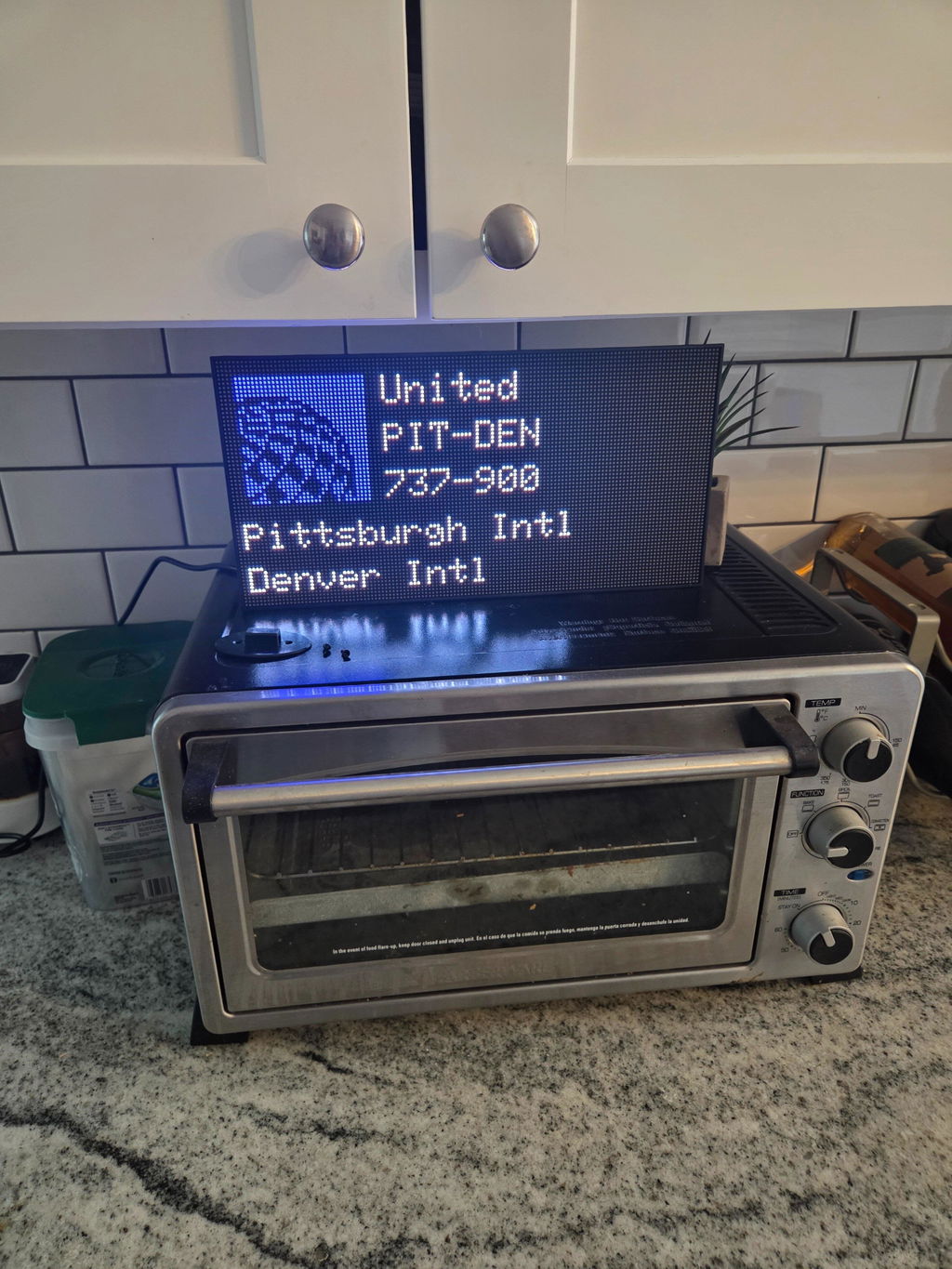
The FlightWall Mini is a compact LED display that shows live flights overhead — updated every 30 seconds, powered by Wi-Fi, and set up in minutes via the app.

What's in the box

  • FlightWall Mini display unit
  • USB-C power cable
  • Wall mount bracket
  • Mounting screws & anchors
  • Quick start guide
  • Magnetic rear stand

Technical specs

Display
64 × 32 RGB LED matrix
Connectivity
Wi-Fi 2.4 GHz
Power
5V via USB-C
Dimensions
256 × 128 × 30 mm
Refresh rate
Every 30 seconds
Brightness
Adjustable, 8 levels
App
iOS & Android
Data source
ADS-B live feed

FlightWall Mini — full unboxing walkthrough

Mobile App

The FlightWall App

Set up your FlightWall — choose your location, aircraft filters, and display layout. See live air traffic around you from your phone.

Free to download · iOS & Android

Free to download · iOS & Android

Community

Real Setups. Real Passion.
Real Aviation Love.

Our customers have taken their FlightWalls to the next level — installing them in some truly incredible spaces around the world. From cozy home cockpits to full-blown aviation-themed rooms, every setup reflects a deep passion for flight and design.

We post the best setups on social media — check them out below.

Community Setups

FlightWall

Bay Area, California

Founders

The people behind it

Meet the Creators

Aaren and Alex are two engineers / friends from the Bay Area, California. After their first FlightWall prototype went viral online, they decided to turn it into a real product.

Aaren grew up fascinated by aviation through his uncle who piloted commercial planes and sea planes.

Alex found a passion early for building and flying drones and studied aerospace engineering.

  • 5 stars: 28 (85%)
  • 4 stars: 1 (3%)
  • 3 stars: 0 (0%)
  • 2 stars: 1 (3%)
  • 1 star: 3 (9%)
T
Tim

It’s amazing what collaboration can bring together, what two engineers created. The Flightwall is a very creative use of modern technology.

C
Christina Jones
L
Lance Kunkel

Great product and lots of fun! We live in an area with constant commercial and GA aviation both so we see lots of activity. My son has his PPL and working on his Commercial license and it is nice to see when he is inbound and outbound from the local GA airport.

S
Scott Spurlock

I was skeptical. But I am delighted! The phone app takes a bit to get used to, but it is pretty straightforward. This thing is gorgeous and works like a dream! The build quality is very good and it looks good in any room. For those of you with a 5-6gHz only router, you have 2 options: My EERO router, through its phone app allows you to turn off the default mode to connect a 2.4GHz device for a 15 minute window. Doing this, it connects flawlessly. For those of you with Charter/Spectrum/etc-supplied routers, where the configuration software has been desabled by the cable vendor, you need to replace the router ANYWAY. It is crap. Buy a new one that will allow you to actually configure it. Then just connect to the 2.4gHz network. Take the vendor router back to their nearest store and tell them the monthly rental fee for the routher is to be cancelled immediately --- there!! 99.999% of all connection issues SOLVED!! Enjoy!!!!! These guys at Flightwall are great and so is their new product. Pair it with Flightradar24.com and Flightaware and you now surveil all airspace over the entire planet.

We are so glad to hear you're so pleased with the FlightWall! Thank you for sharing your detailed setup tips and for your kind words about our product and team. Enjoy your new device alongside Flightradar24.com and Flightaware!

w
william j

This thing is absolutely AMAZING. I feel like I’m at airport…IN MY OFFICE!

Haha I love that! We are so glad you are enjoying!

W
William

The size is Absolutely incredible moved my mini to another room. Very easy to setup and get going and looks fantastic.

We are so glad to hear you love the size and ease of setup. Thanks for being a part of our community.

P
Peter

I am an aerospace systems, engineer, and flight simulator hobbyist. I bought the wide display in love it. The application has more configuration options then was expected. Highly recommended.

So glad to hear you love the FlightWall! Thanks for the support and nice setup!

M
Matt Sweeney

Absolutely outstanding. I can see all of the fights coming in and out of my local airport. And, when I pick SFO, I set up a trapezoid that shows me the airplanes coming in for a landing on runways 28 left and right. Also, when I have Live ATC running, I can hear the tower talk to the airplanes that I’m seeing on TheFlightWall. Completely mesmerizing. Love it!

We are so glad to hear you're enjoying your FlightWall! It’s great to know it adds such a epic view of your local airport. Thanks for sharing your experience and for joining our community!

K
Kevin Korterud

Almost a piece of moving animated aviation art...its in my office where I can easily glance at it...

Setup took a few tries but once I got there its works great!

Nice setup and glad you got it working as it should! Thanks for being a part of our community.

J
Jrscrivner

Received mine today!! Easy setup and love the features!! Now its time for the bigger one!

Haha thanks so much for the support!

A
AkFran

I can't even begin to say how incredibly amazing this is. Top notch quality. Easy install. I read reviews that suggested to start big so we did. 1000% accurate. It's the best. Now we need a small for the office!! We have SFO and SMF traffic so it's nonstop fun to see. Especially seeing Travis Air Force Base going over.
Beats having to pull up Flightrader all the time.

We will hang it soon but for now it's great out of the box.

NICE!!! We are so glad you're enjoying!

T
Tim M.

Beware if you buy the mini, it’s a gateway drug. Did my small office need the big one? No. Does it bring me an immense amount of joy every time it pops a flight up? 1000%. I put the mini in a window facing outside so I can now see what’s flying over when I’m in the backyard.

The full size is awesome! The build quality is top notch, the mounting hardware is super solid and easy to install. It looks AMAZING. I really like not having to choose between the full airport names and the metrics. The logos are more detailed with the increased number of LEDs. The kids love it too.

Setup is super simple, though I’ll make one note here in case others experience it:

I had a few errors display during initial setup (manifest and update didn’t load) but it finished setup and still worked. Some of the settings weren’t updating though and flight tracking didn’t show all the trip data. After their most recent app updates (and I noticed this in the mini as well) some settings like date display and VR Fpm weren’t working. In both cases, they self updated overnight and that was all they needed. So if you experience it, set the settings to what you want, leave them be overnight and check in the morning before submitting a support request. Both are working flawlessly now!

What an amazing set up! We really appreciate your support and so glad you're enjoying!
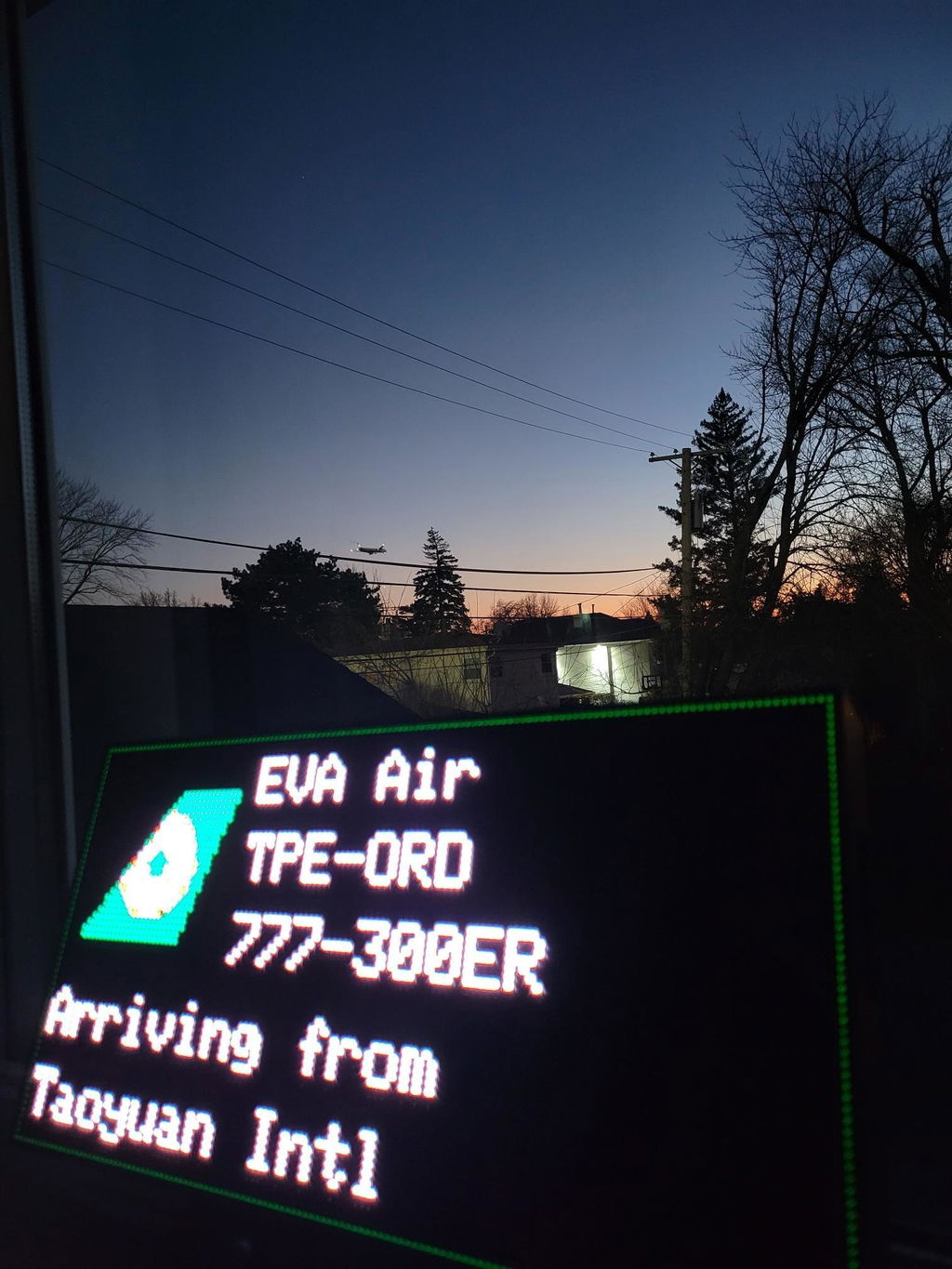
We are always working to improve our product so thank you for the feedback.

J
Jhselig

It just doesn't get any better than this! I am totally loving my mini. Im pretty sure I'll be ordering the wide screen in the near future also. These guys have done an amazing job. A must for any avgeek!!

Thanks for the support and for being a part of our community! We are glad you love it!

n
netonium

This is a tremendous joy-bringer! I hesitated to purchase – I’m a prolific ADS-B feeder (top 5 on FlightAware), so it was hard to justify laying out over $400 for this display when I can see who is around me on any one of several Raspberry Pi that I have feeding both FlightAware and Flightradar24. Nonetheless, I made the leap and couldn’t be more pleased. The build quality of the display exceeded my expectations – it’s solid with a sturdy frame, and the LED panels show no seams or discontinuities. For a large-ish, somewhat heavy product, it was well packaged and had sufficient padding to survive shipment without a scratch. Perhaps the most notable part of FlightWall is the ease of configuration and use of the app – I had this up and running in under 5 minutes. I stand by my 5 stars for the sheer coolness of having flights pop up in real-time, but this could be elevated even more by providing a few more customization options in the app… and I’ve noted a few hiccups in the data feeds. I love this so much, I’m likely buying another! Highly recommended

Thanks so much for the support and glad you love it! If you have suggestions on customization options in the app please reach out as we are always looking to improve our product!

C
Chicago

Love it! I had the "mini" then bought the big one... lol

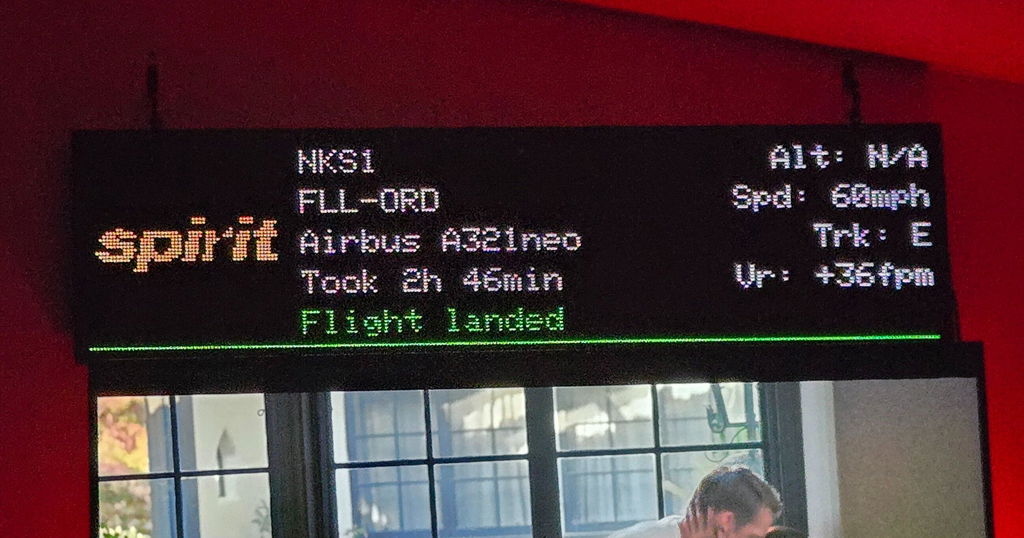
Also was tracking what was probably the last Spirit flight into ORD NK1 just now while I watched TV in bed.

Nice setup!

R
Rex

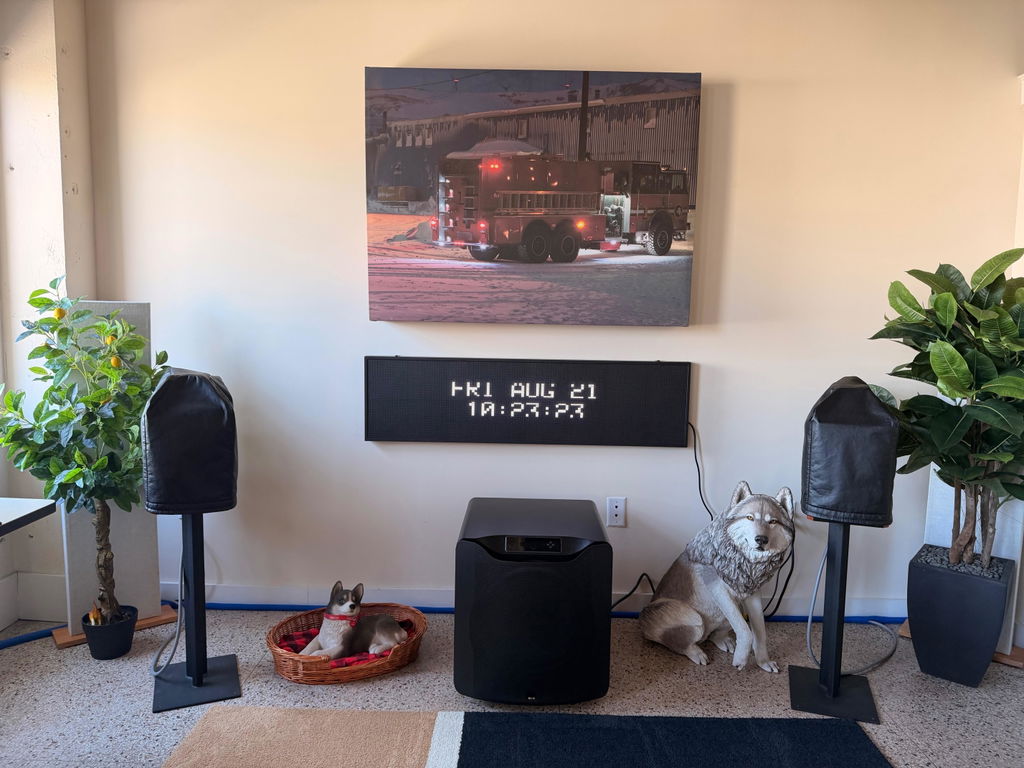
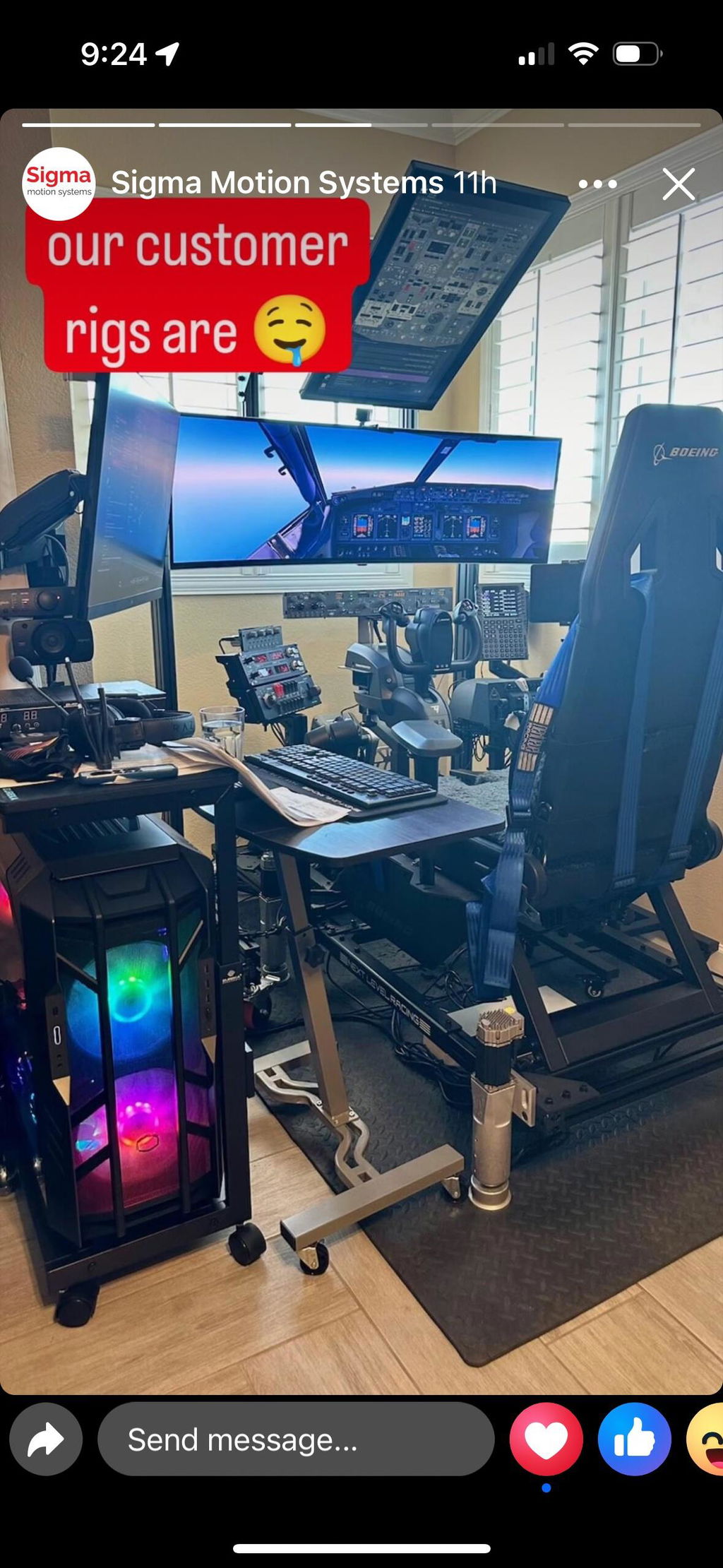
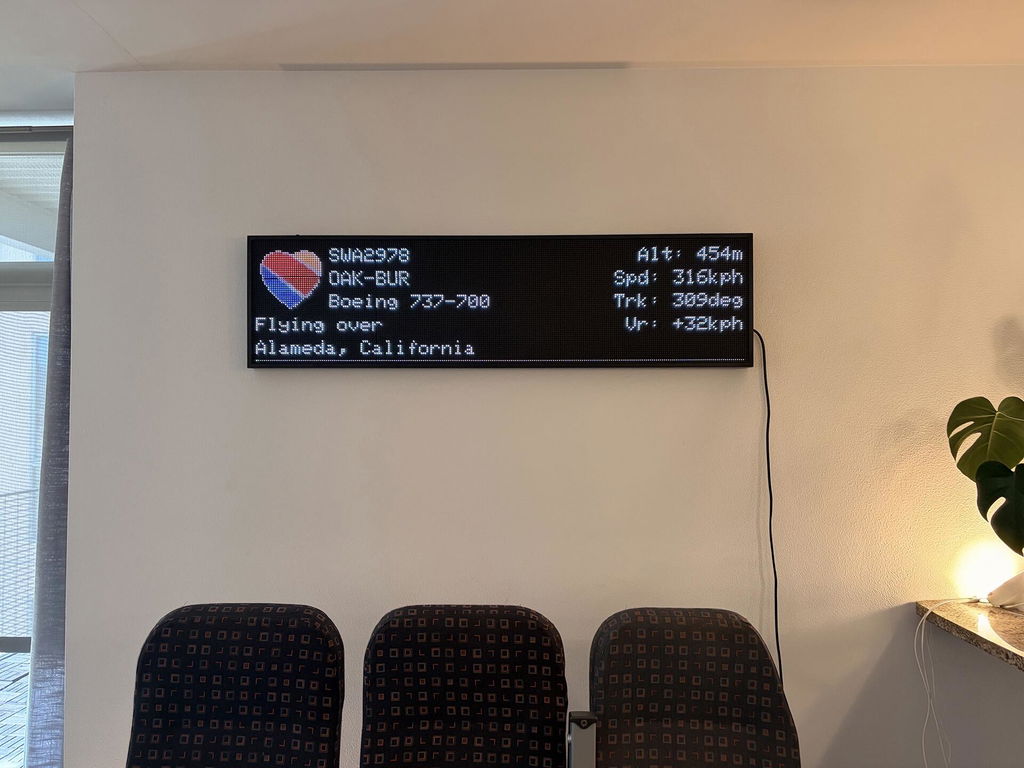
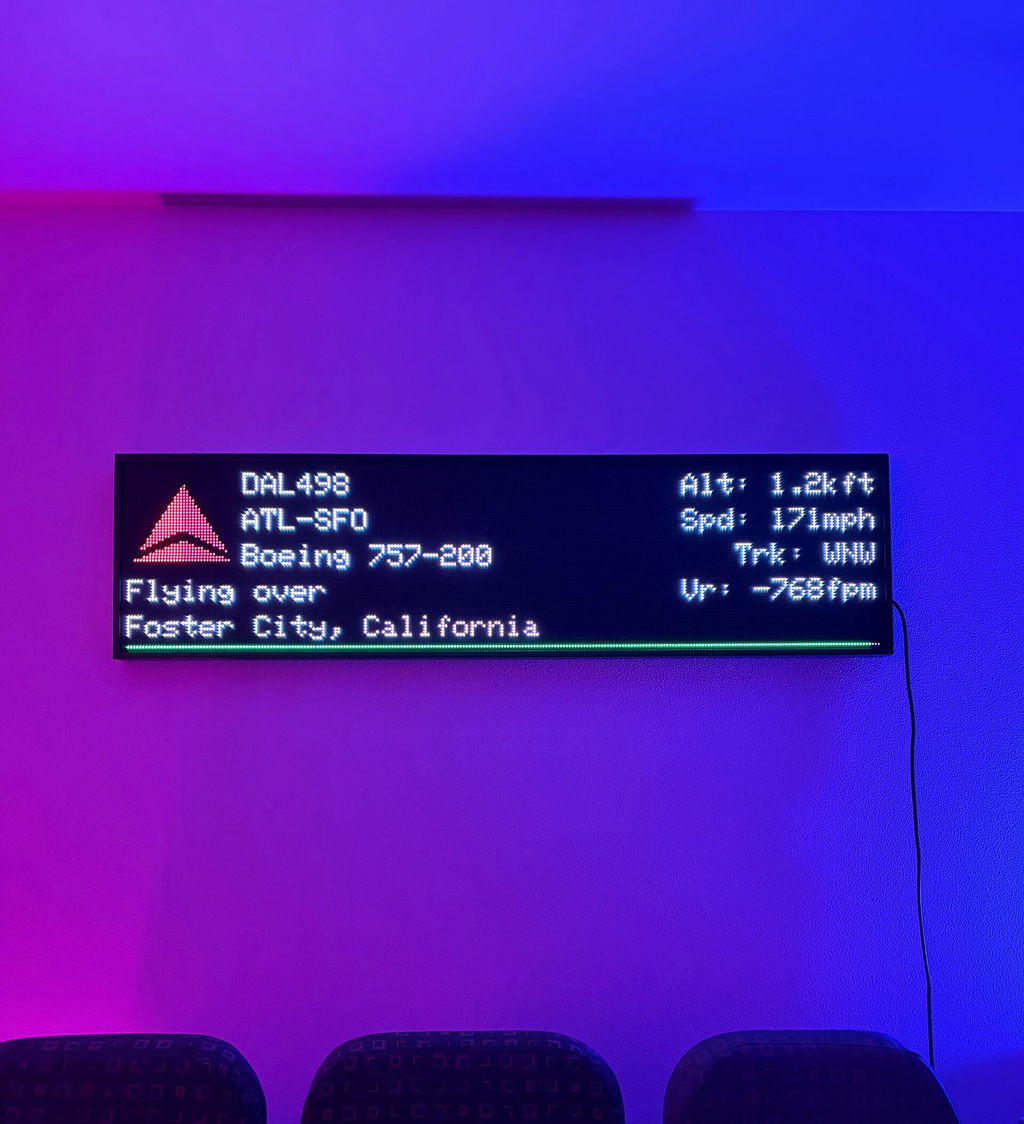
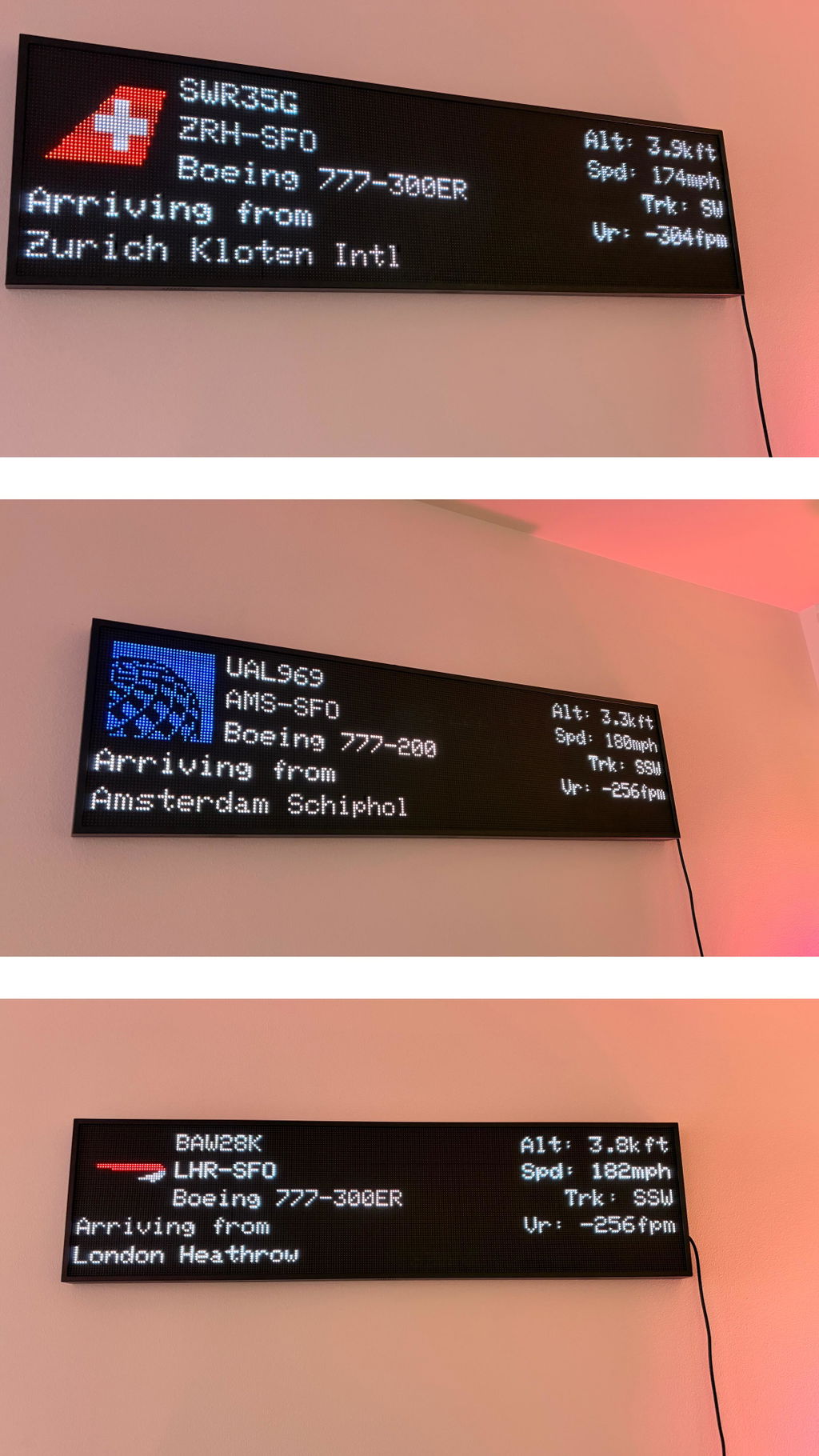
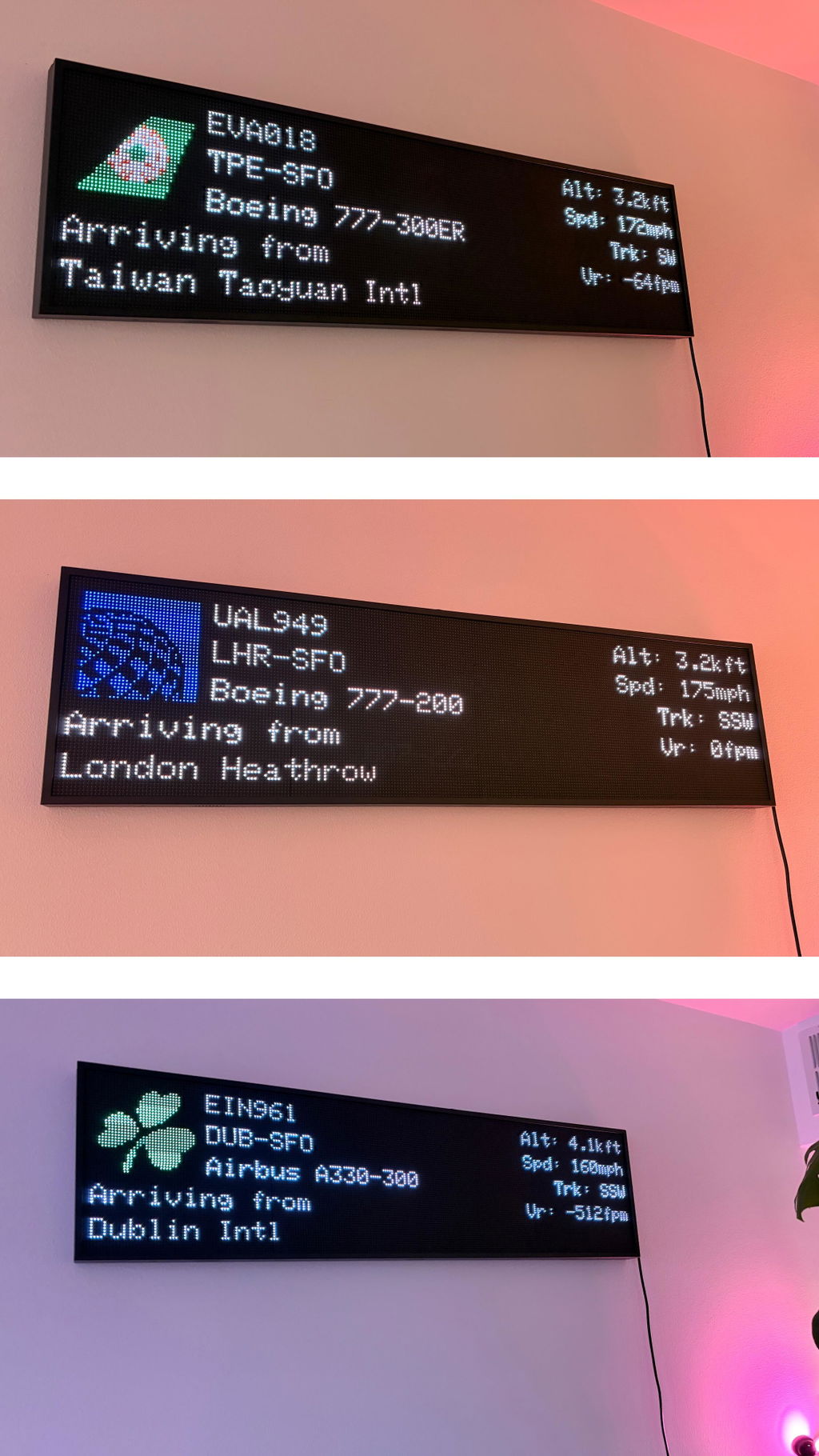
LOVE our FlightWall Widescreen! Great addition to the FlightWall Mini. Was able to mount it in a perfect spot where we can see it from wherever we're sitting in the living room. Note, it's quite heavy, so definitely a two person setup. Yes, those are genuine airplane seats in the day pic. Got them at an estate sale. If you can't tell by now, we are AV geeks. 🤓

We live near SFO and OAK, so we get to see some cool flights pop up on the screen. Sometimes during some crazy weather, I think SFO changes arrival path to fly overhead so got a chance to see some flights we wouldn't normally see, which happened recently.

My other half is a flight attendant; it's really cool to track those flights as well.

Rex we LOVE your setup! Thanks for the kind words and those photos are fantastic!

N
Neil

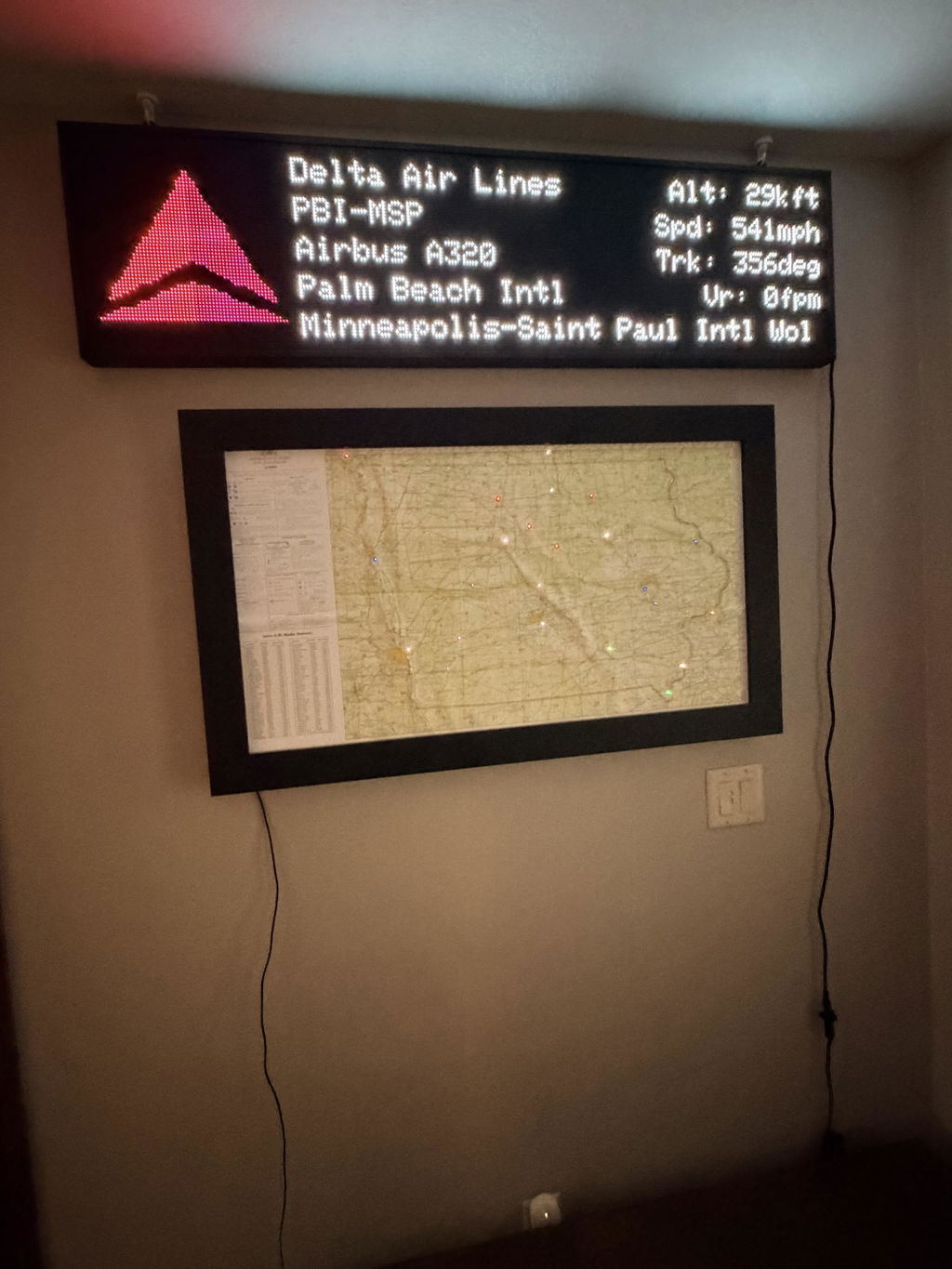
FlightWall Widescreen showed up intact. A couple gouges in the box during shipping made me nervous but it was enclosed in thick double layered cardboard and a formed Styrofoam that protected it well. Thread on right side did not accept the screw for the mounting bracket. Instead, I needed to used the eye bolt and had to really force this home in order to hang it. Programing and set up was flawless. Got online and picked my radius to monitor. Good customization options for views but would like a bigger radius to monitor (maybe 50 to 100 miles instead of the max 15). Overall, very happy with the FlightWall and looking forward to new updates and enhancements. I have this mounted above my LED METAR map for a pretty comprehensive picture of aviation in my area.

Thanks for the kind words Neil and glad you have found the perfect spot for your WideScreen!

B
Brett

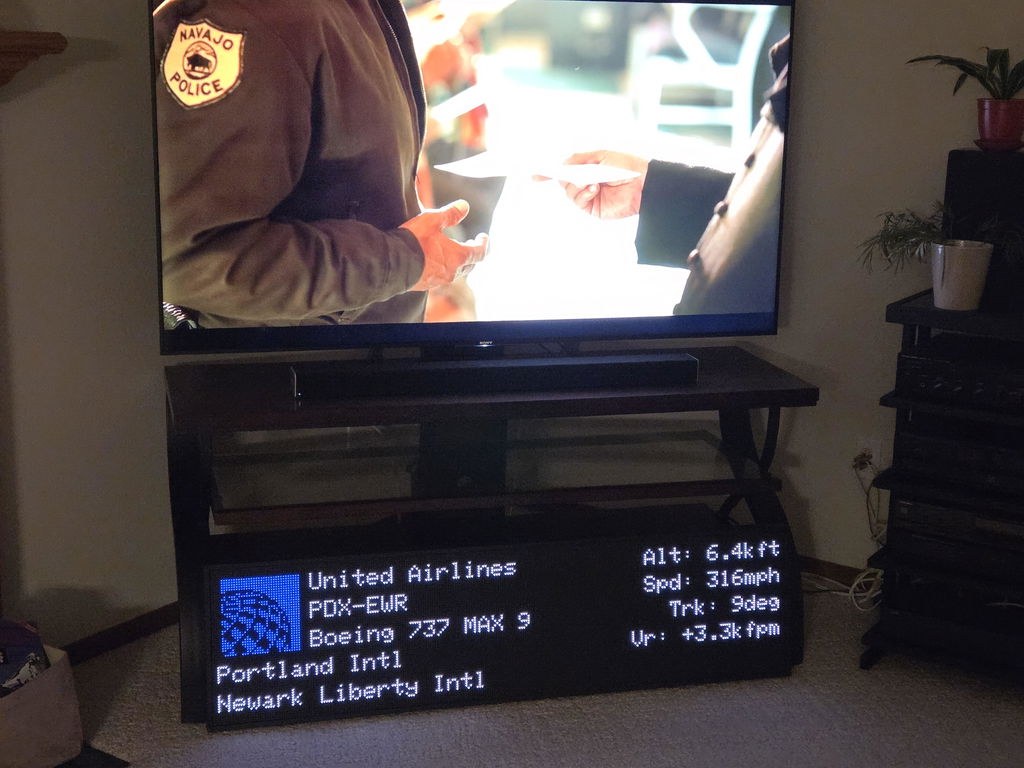
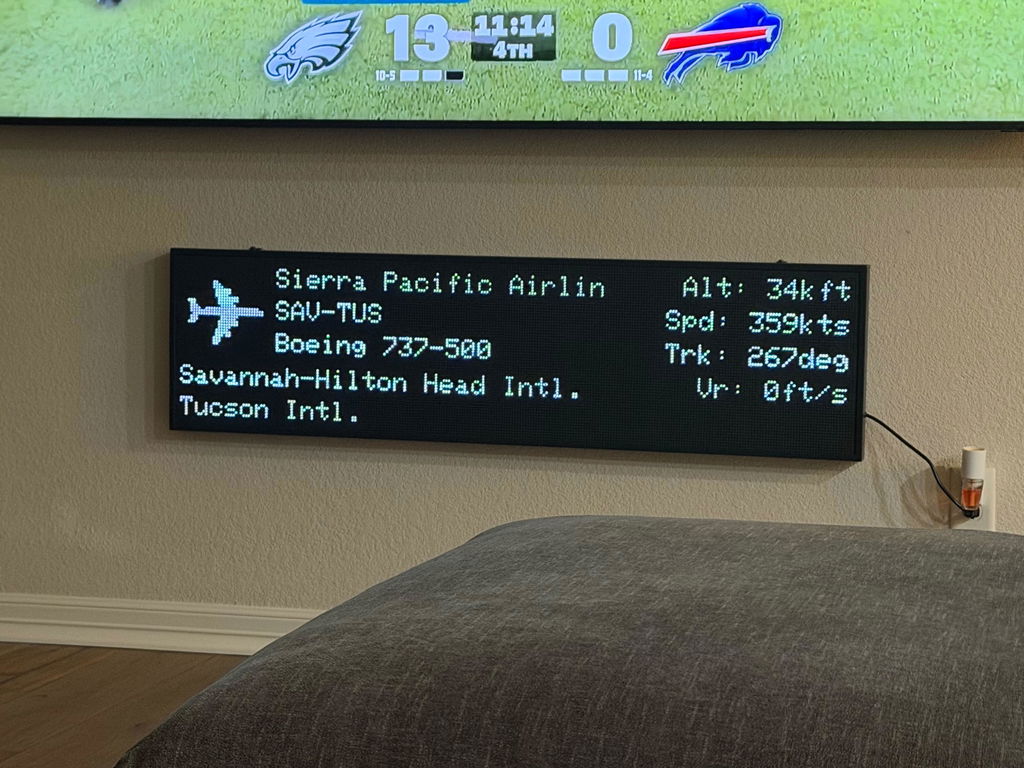
AvGeek Dream! Also a great conversation piece for those not so “Geeky”. I am super fortunate that my wife works in the aviation industry and supports my habit! She gave me permission to mount this in the living room! I have the Wide Screen mounted about a foot underneath a 100” TV. Looks great! I enjoy all of the features. An important one in my opinion is the ability to set on/off times. Great buy and I am considering the smaller version for my office at work.
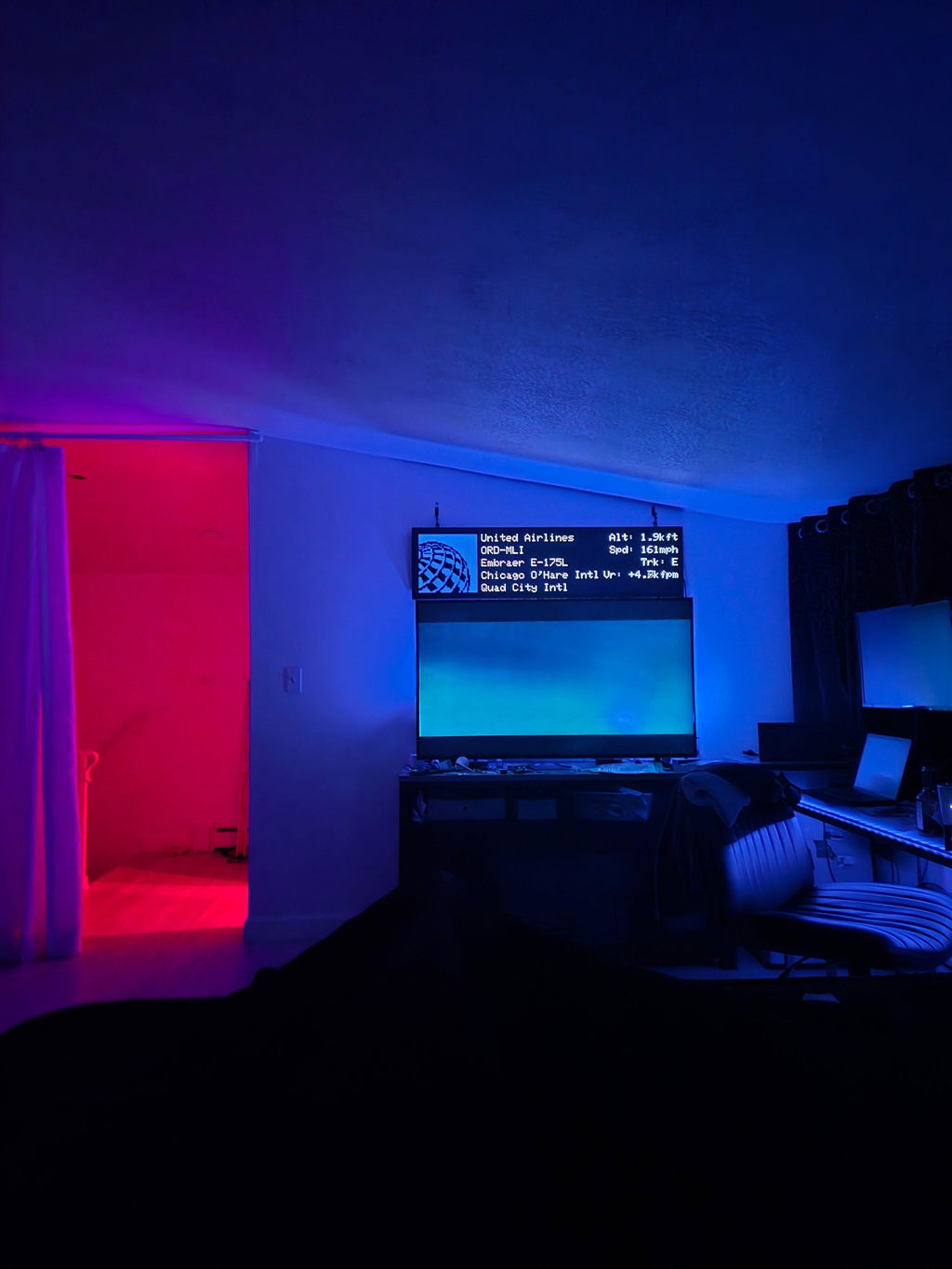
Photo of an interesting rare overflight of the DFW area by a 735. For reference: 100” TV above.

Brett we love your setup and appreciate your kind words! Glad to hear lots of people can benefit from your WideScreen!

C
Chicago

I really love my mini - I am trying to convince myself to buy the larger one, I live right by ORD... I told my FA friend for JetBlue about it and she ordered one right away LOL... I have come so close to ordering the bigger one... Maybe after I get my tax refund :-)

Really amazing backend and app I have to say I am SUPER impressed. This product beat my expectations by a longshot.

We truly appreciate your support Matt!

FAQs

Everything You Want to Know.
Answered.

Quick answers to the most common questions about TheFlightWall.

FlightWall connects to your WiFi and displays live aircraft data — commercial flights, private jets, helicopters, and more. Use Flight Tracking Mode to follow a specific flight by number, callsign, or tail number, or Area Tracking Mode to watch everything flying nearby within a custom radius or shape. Updates every 10 seconds in real time.

Damaged or defective items: free returns within 30 days with a prepaid label — choose a full refund or replacement. Change of mind: accepted within 20 days of delivery in original packaging; return shipping is the customer's responsibility. Email contact@theflightwall.com to start a return.

FlightWall only supports 2.4 GHz WiFi. If your router broadcasts only 5 GHz, contact your provider to split off a 2.4 GHz band — most modern routers support this. A mobile hotspot also works great and is a good way to test connectivity first.

Yes. Multiple people can connect via the FlightWall app — scan the QR code shown during setup or connect manually using the device ID. All connected devices can view and adjust settings from any network, including cellular.

No subscription required. All data costs are included in the product price for the foreseeable future. We may introduce optional premium features over time, but the core live flight data will remain included.

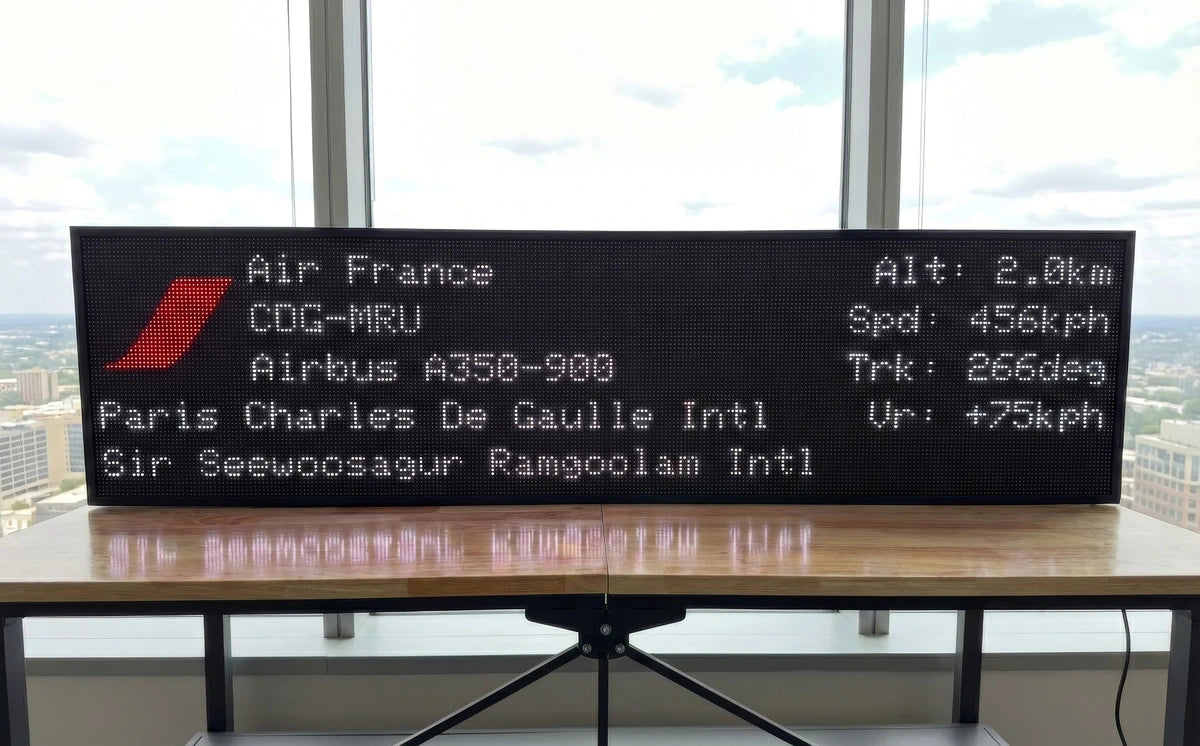
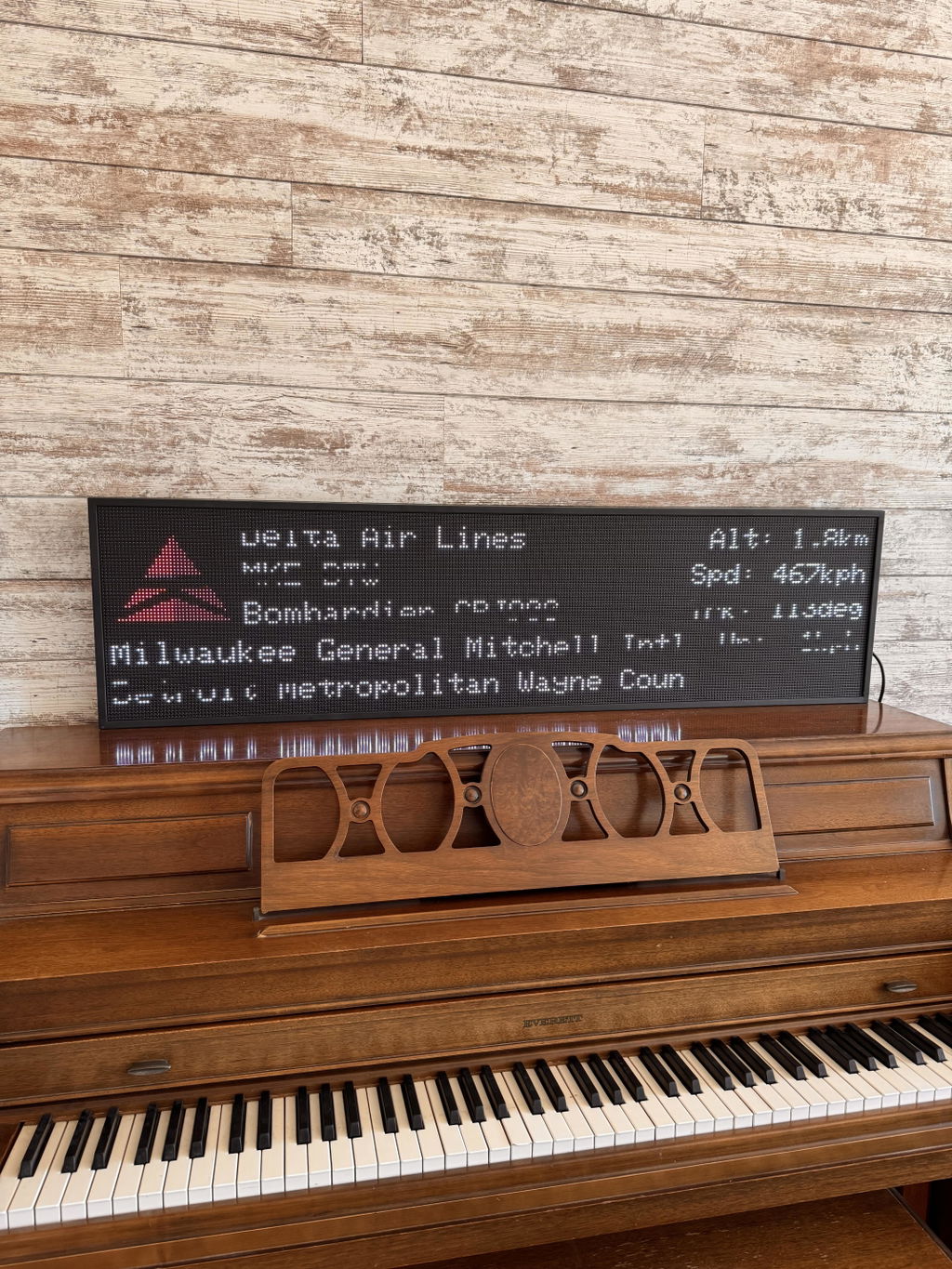
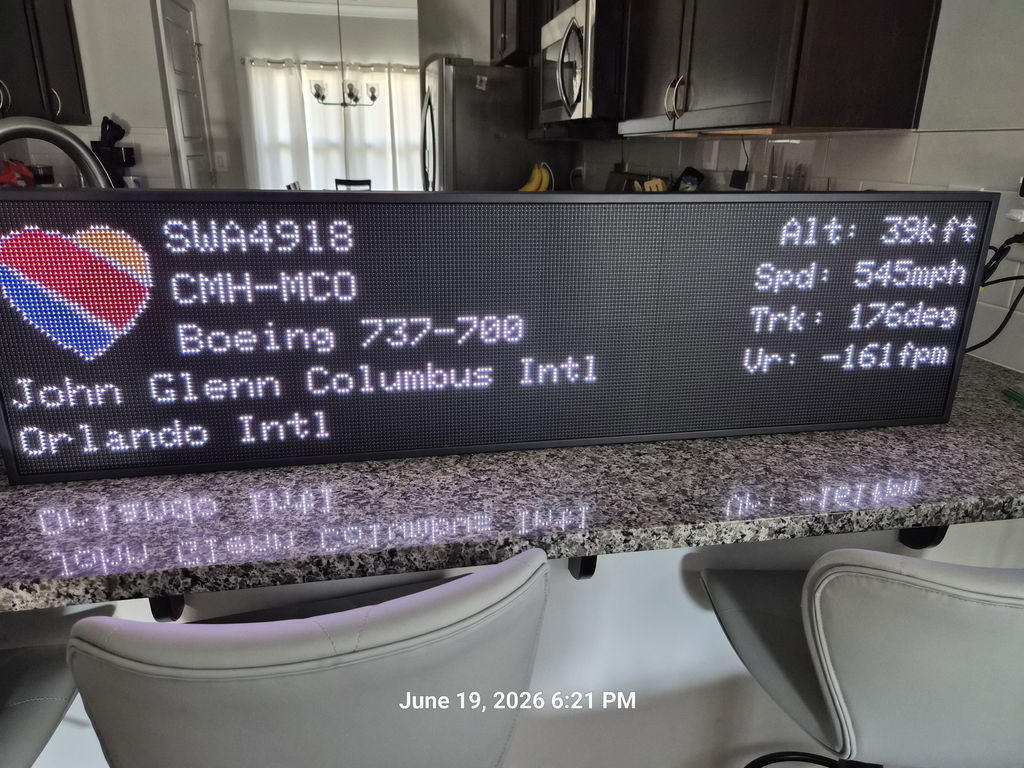
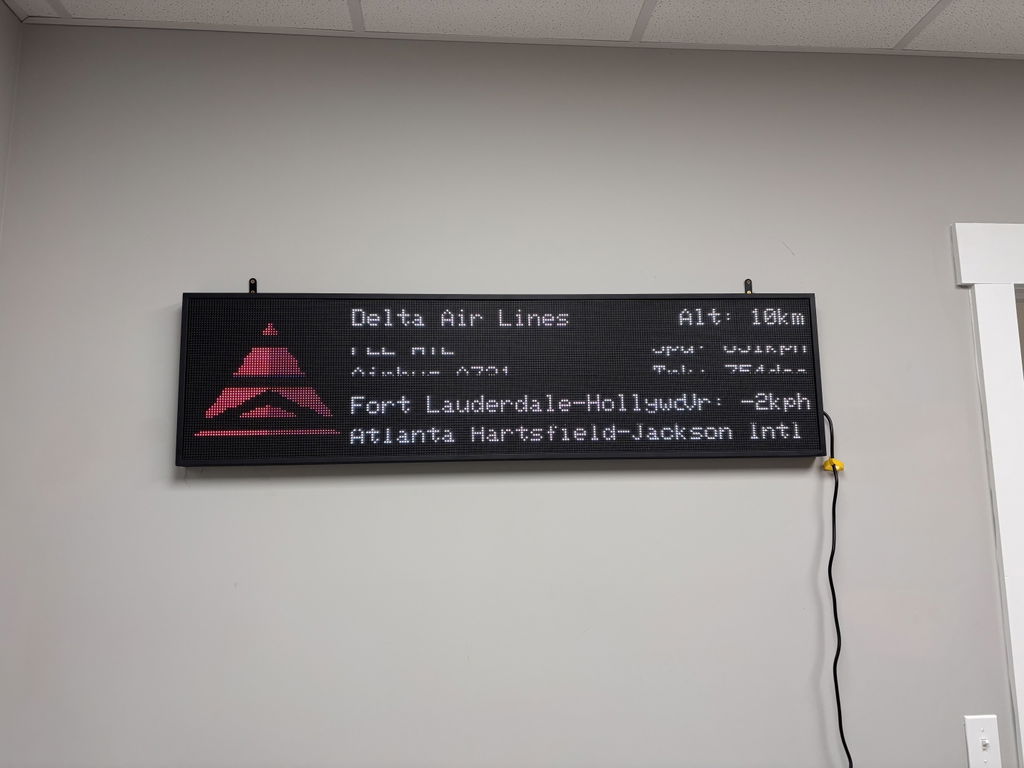
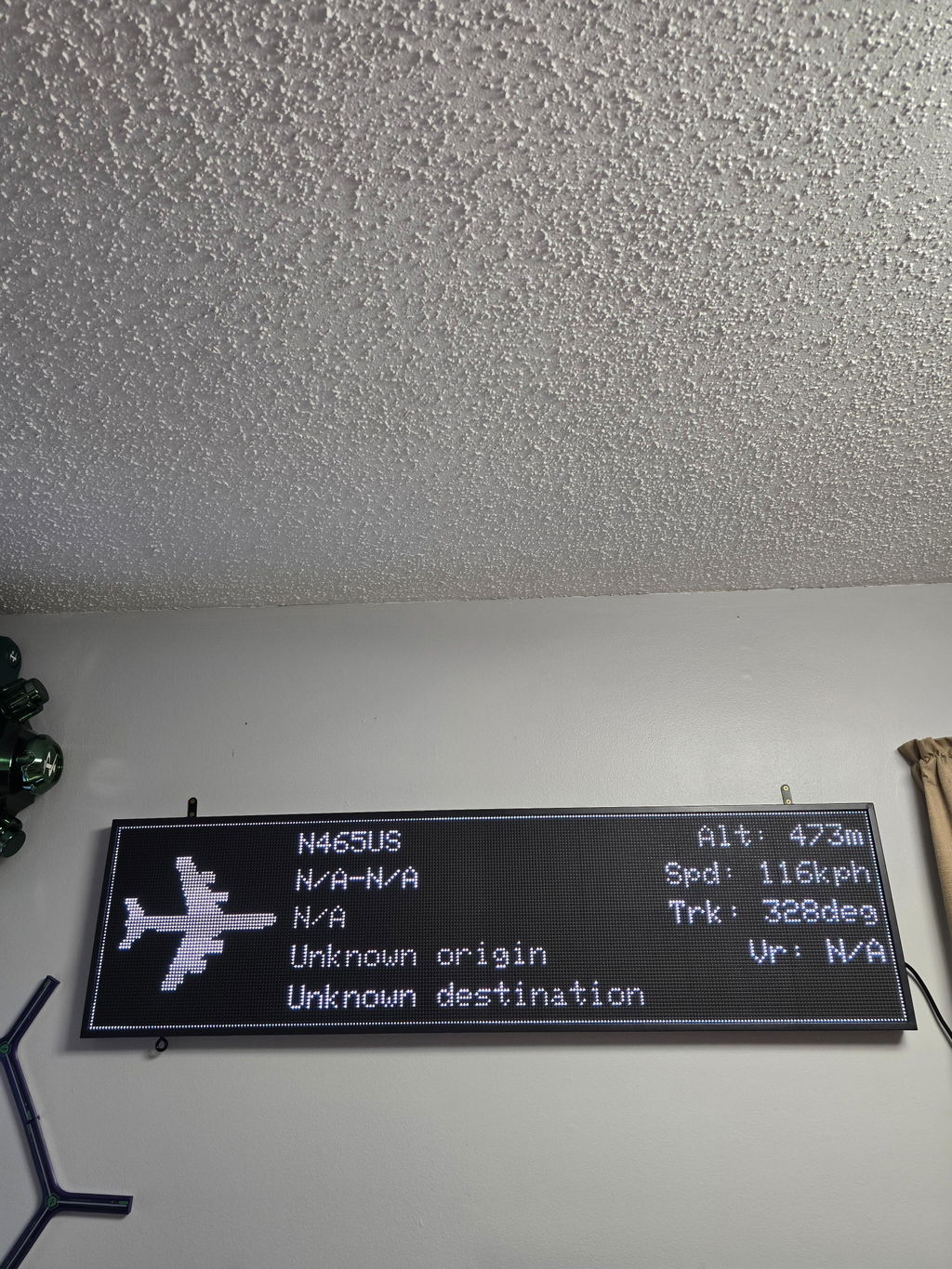
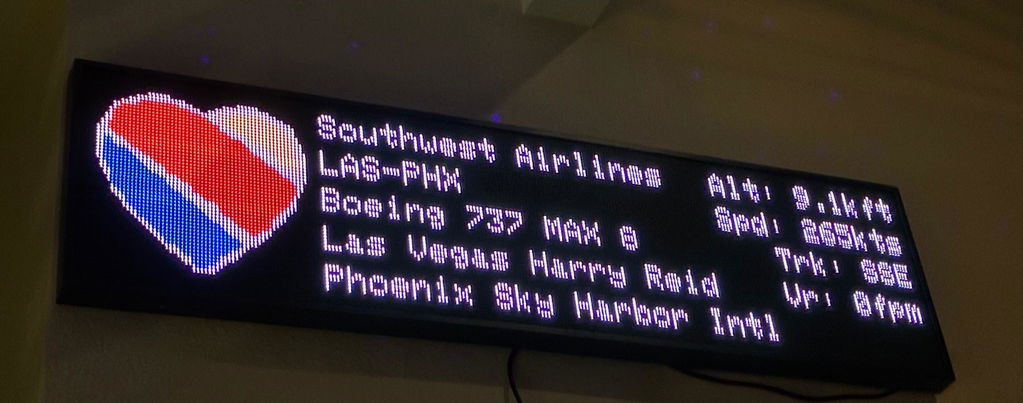
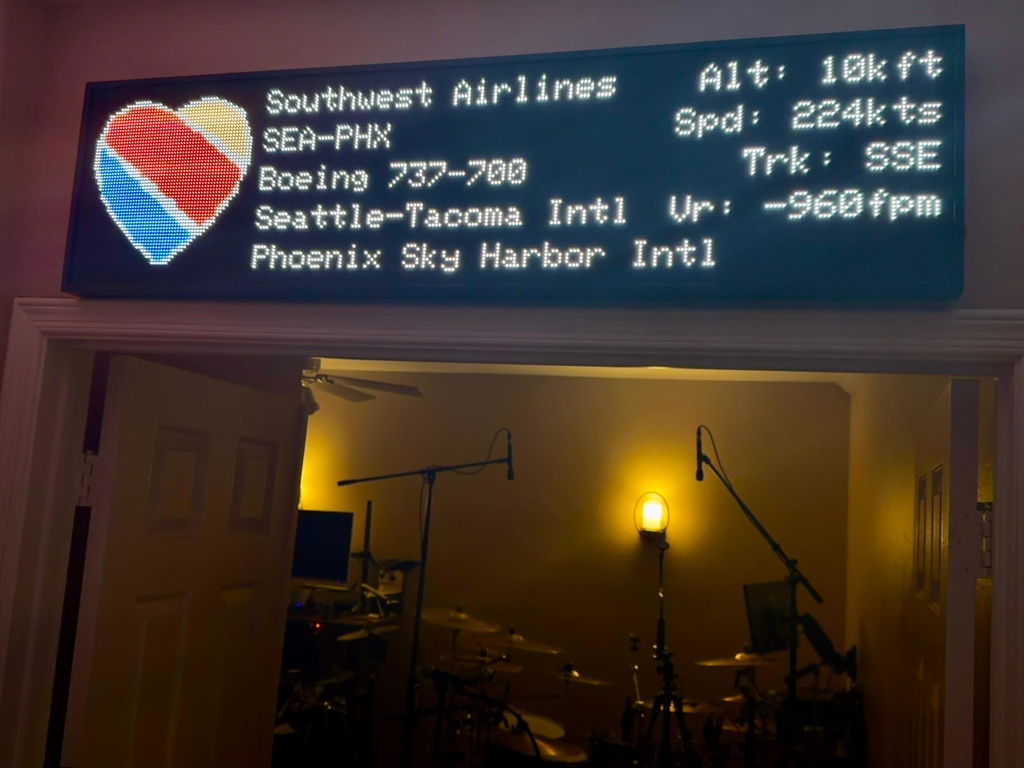
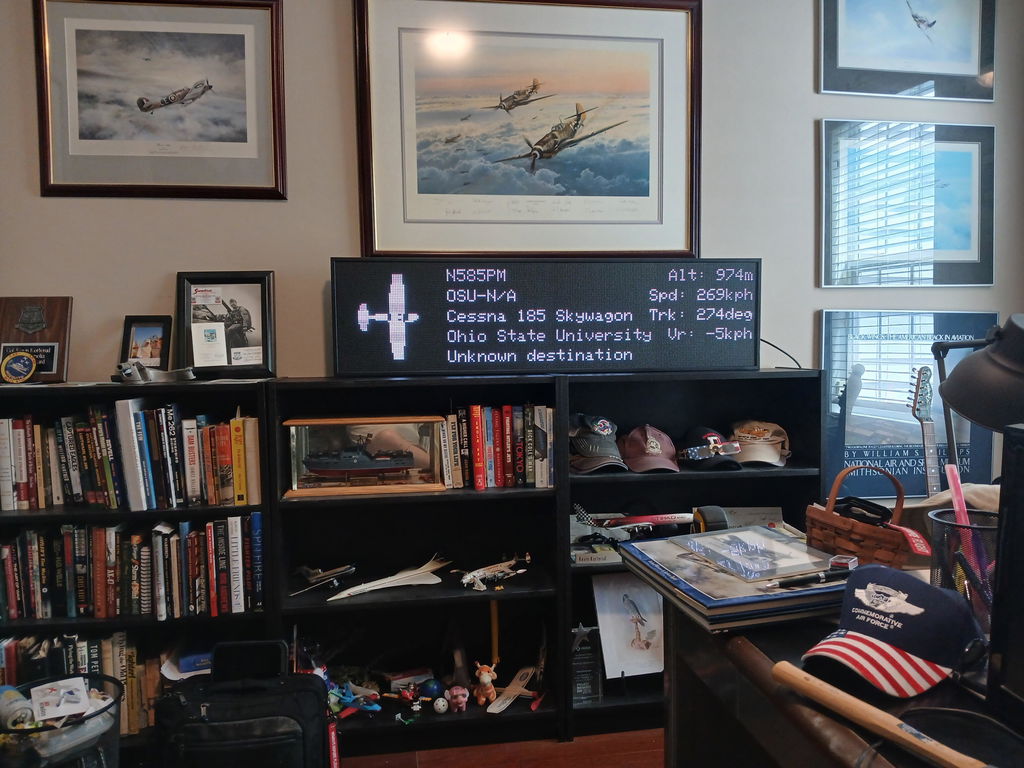
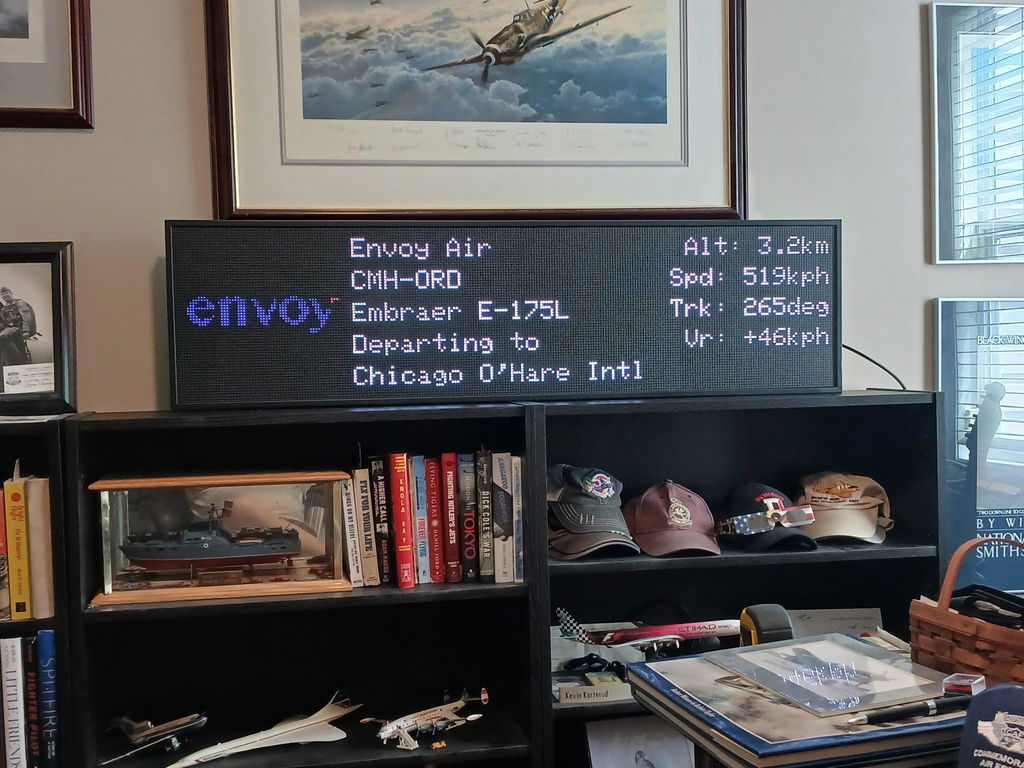
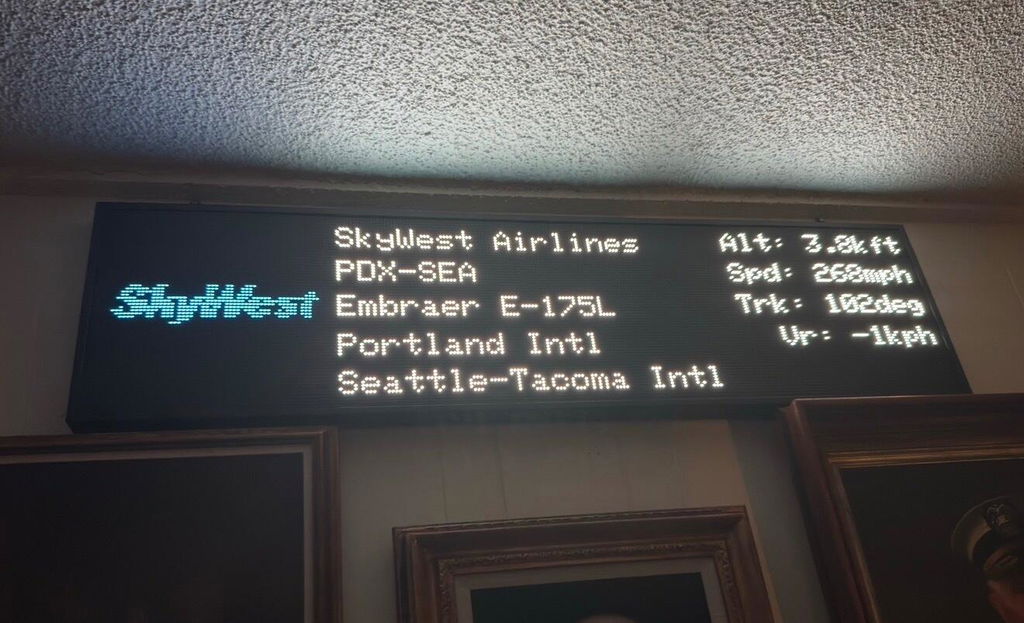
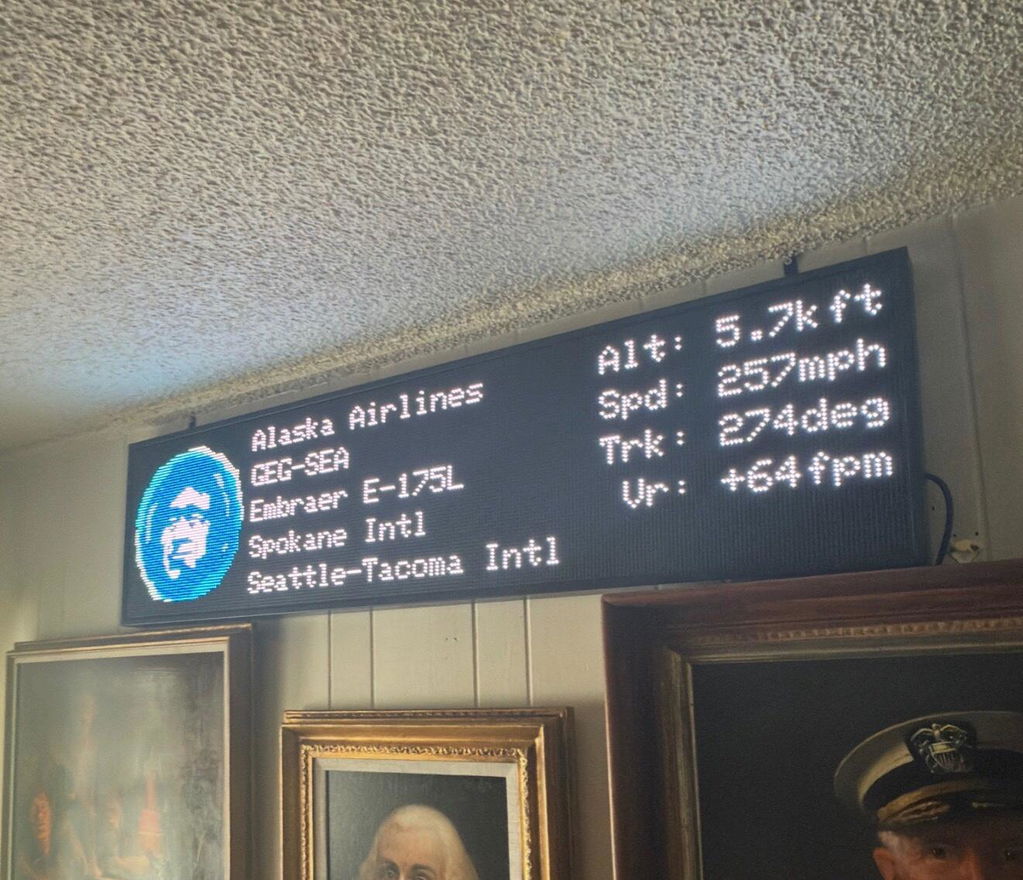
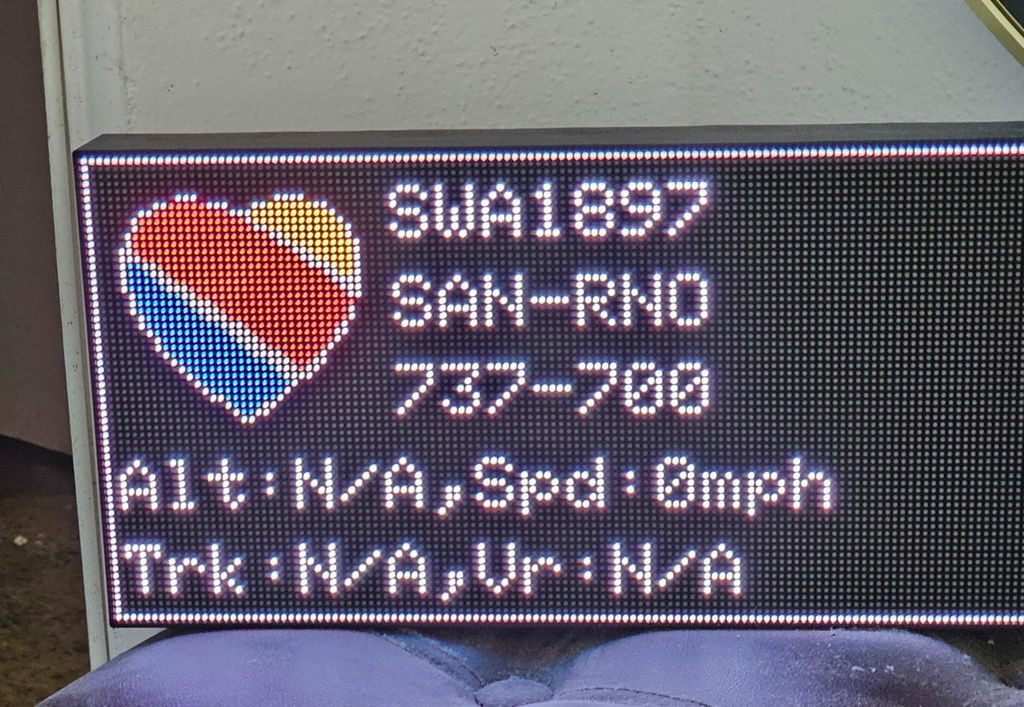
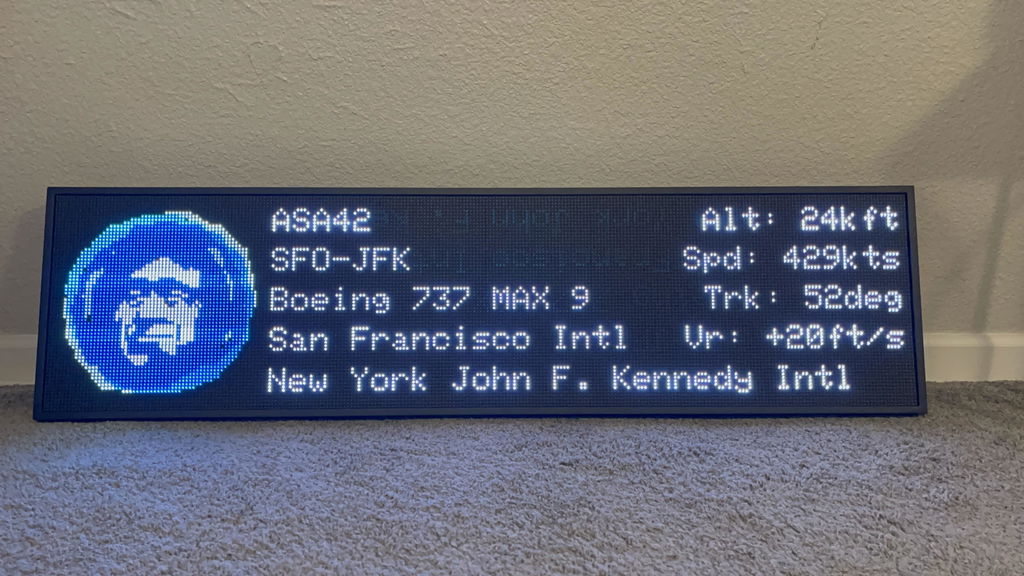
Alt = Altitude · Spd = Speed · Trk = Degrees from North (track heading) · Vr = Vertical Rate, whether the aircraft is climbing or descending. All metrics are configurable in the app under Display Layout settings.

Both the Mini and WideScreen display up to 5 flights at a time. If there are more aircraft in your area than can be shown, a notice will appear on screen. You can refine your area or add altitude filters to narrow results.